An AI front desk built for storm days
It picks up every call in your company's name, knows your routes, takes new requests, puts urgent calls through to you and keeps a record of all of it.
Listen in on a storm morning
Dana calls at 6:12 AM because she has to leave by nine. The storm line finds her street, gives her the window you set for that route, and tells her about the texts. She hangs up in under a minute, and you never knew she called until you read the summary.
- No hold music, no voicemail, no "we'll call you back"
- Times come from your storm plan, never from a guess
- The call is logged with a one-line summary
Your storm lineMorning, thanks for calling Your Company, this is Sam. How can I help?
ClientHi, it's Dana on Elm Ridge. Are you coming today? I have to leave by nine.
Your storm lineHi Dana. Elm Ridge is on Route B this morning, and the crew expects to reach your street between 7:30 and 8:30.
ClientPerfect. Can you let me know when they're close?
Your storm lineYou'll get a text when they're on the way, and another one when you're cleared.
Logged 6:13 AM · Dana, Elm Ridge · asked for her time window
Six jobs, done the same way every call
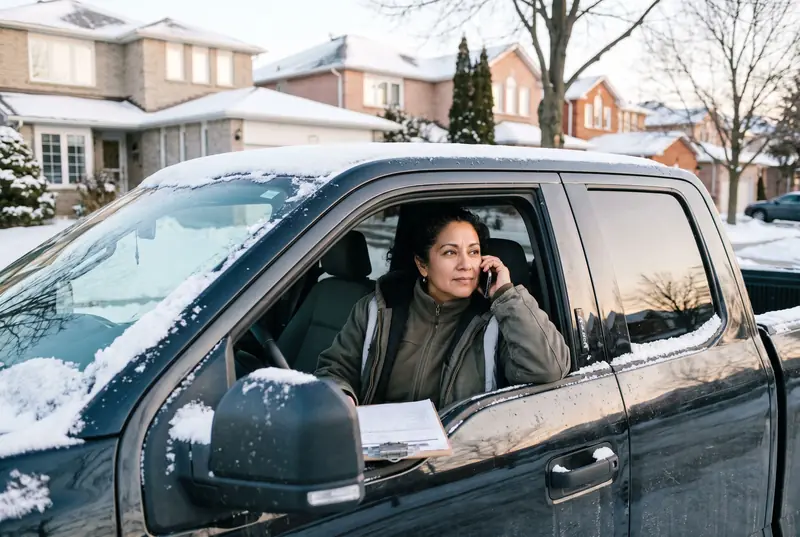
Answers as your company
Day or night, in your company's name, even when several calls come in at once.
- Picks up 24/7, storms or not
- Says it is your virtual assistant if someone asks
- Never pretends to be you or your crew
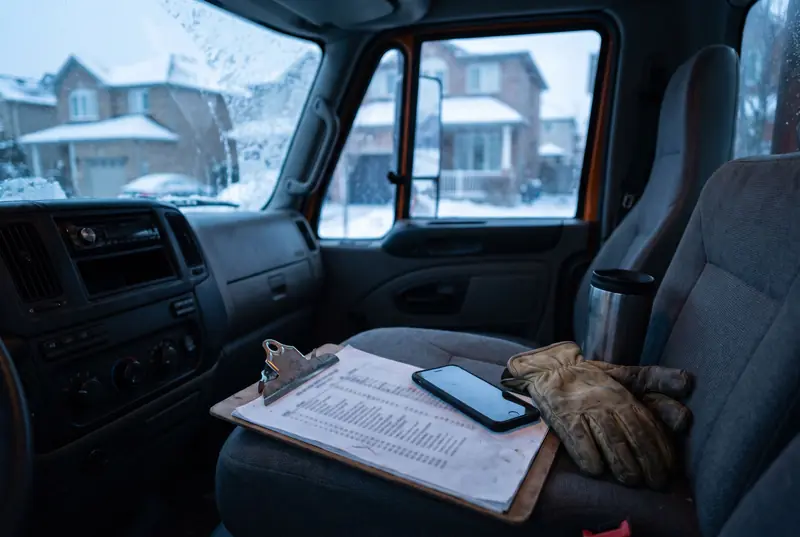
Knows your routes
Callers give their street, and it tells them their route and the time window you set before the storm.
- Your streets and areas, route by route
- Your time windows, updated from your phone
- If the plan is old, it gives no times at all
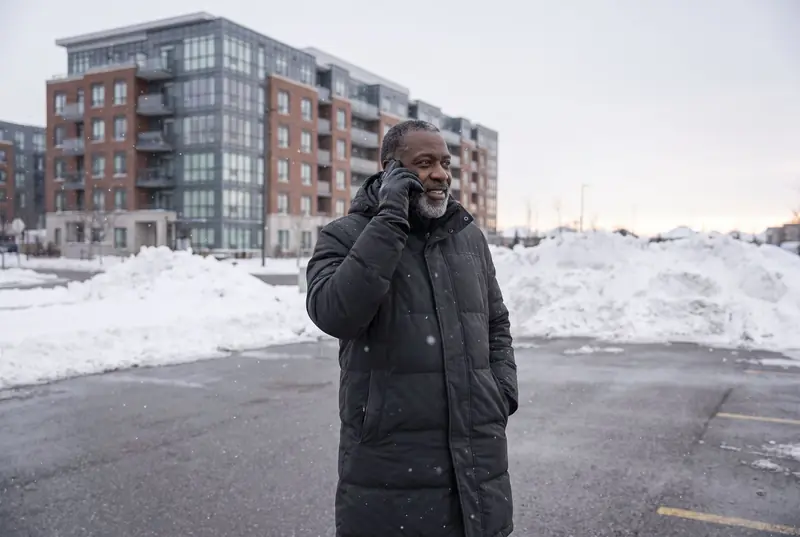
Takes new requests
Name, address, number and what they need, read back to confirm, then texted and emailed to you.
- Contract clients first, if that is your rule
- A confirmation text to the caller
- One list of new requests after the storm
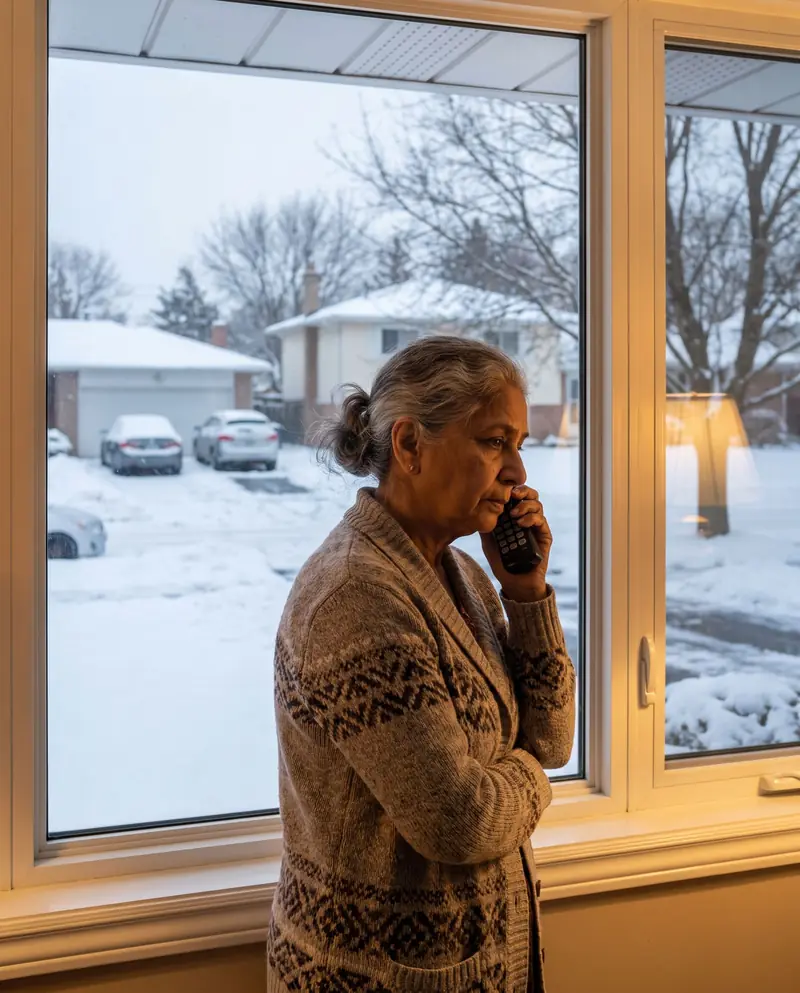
Puts urgent calls through
You decide what is urgent. Those calls ring your cell, and if you can't pick up, you get an urgent message.
- Medical appointments, dialysis, blocked exits
- Ice at the entrance of an open business
- A blocked fire route or emergency access
Handles the hard calls carefully
If someone says they fell, it checks whether they need 911, takes the details and marks it urgent for you.
- Never says whose fault it was
- Never talks about insurance or payment
- Writes down the date, time and exact spot

Keeps the record
Every call with its recording, transcript and summary, and every text with its time, saved in your ThreeDay account.
- A recording, transcript and short summary of each call
- Every "done" text, storm by storm
- On your phone and on the web
Your rules, your routes, your crews
The line follows what you set up: which streets are on which route, who goes first, what counts as urgent and what it must never promise. Change any of it from your phone.
What it will never do
The fastest way to lose a client is a promise you didn't make. These rules are in every storm line.
Make up a time
Times come from your storm plan. No plan for today, no times.
Quote a price you didn't give it
No number leaves its mouth unless you wrote it down for it.
Admit fault or talk insurance
It takes the details of a fall and passes them to you, nothing more.
Pretend to be you
It is your virtual assistant and says so when asked.
Forecast the weather
It repeats what your storm plan says about the snow, and that's all.
Promise a return visit
A missed spot goes to you as urgent. You decide when the crew goes back.
"On our way" and "done", one route at a time
Your clients are grouped by route in your account. When a crew heads out, send "on our way" to that route. When it's cleared, send "done". Each client gets it from your storm-line number with your company name.
- A "snow is coming" heads-up the night before
- "Running late" when the snow is heavier than forecast
- Every text saved with its time, for your records
Call the demo line
It answers as a made-up plow company on a storm morning. Ask it when the plow is coming: (365) 650-2063.
Photo proof of every visit
A route and proof app with a photo, GPS position and time stamp for every visit, salt used and per-push invoices. Not available yet.
Get your line answering before the first snow sticks
In Toronto the first snow that stays usually lands in the second half of November. Fifteen minutes now saves a lot of missed calls later.